Xradia Instructions: Difference between revisions
Jump to navigation
Jump to search
| Line 60: | Line 60: | ||
=Image Tours= | =Image Tours= | ||
==Industrial Materials== | ==Industrial Materials== | ||
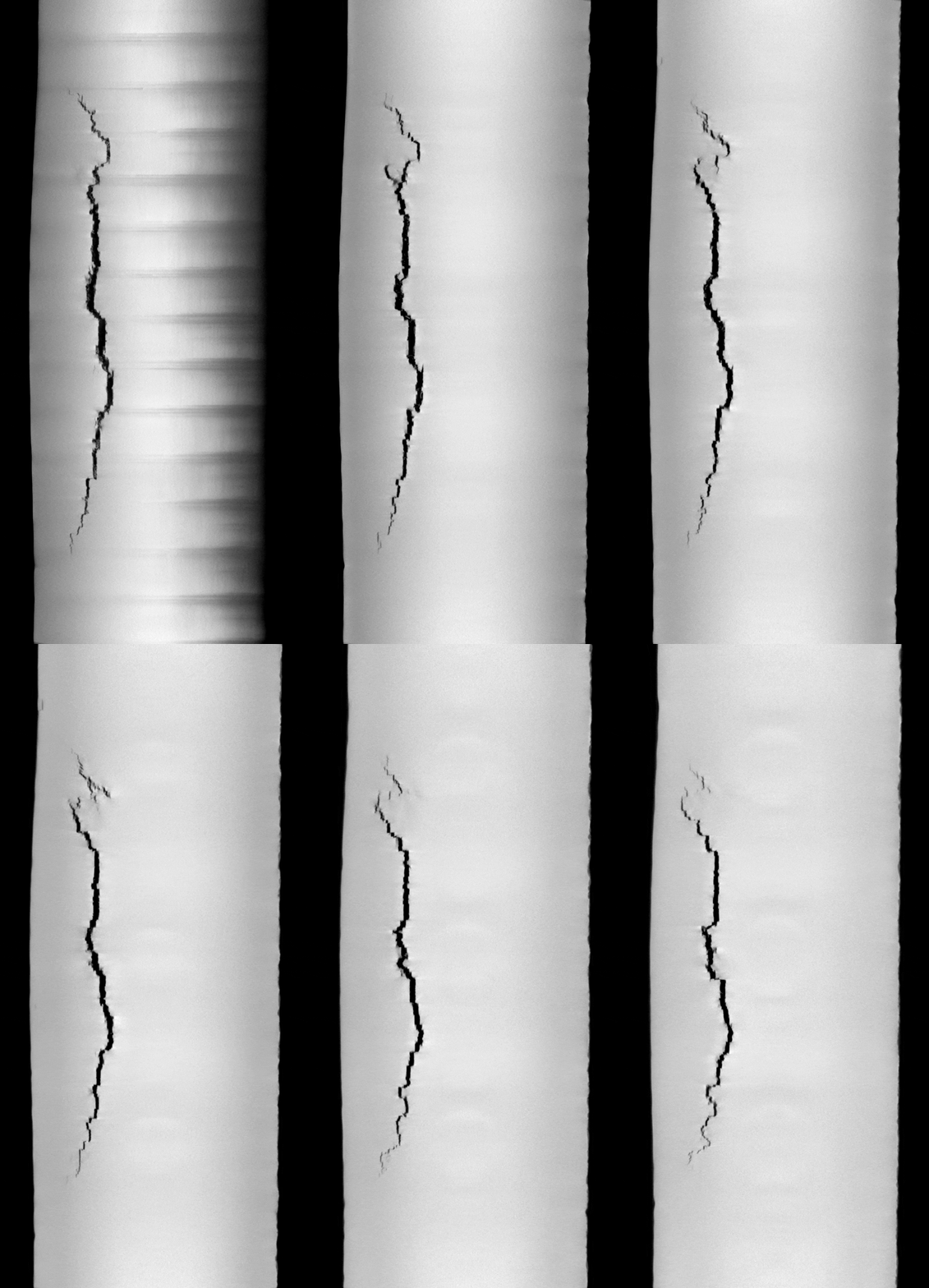
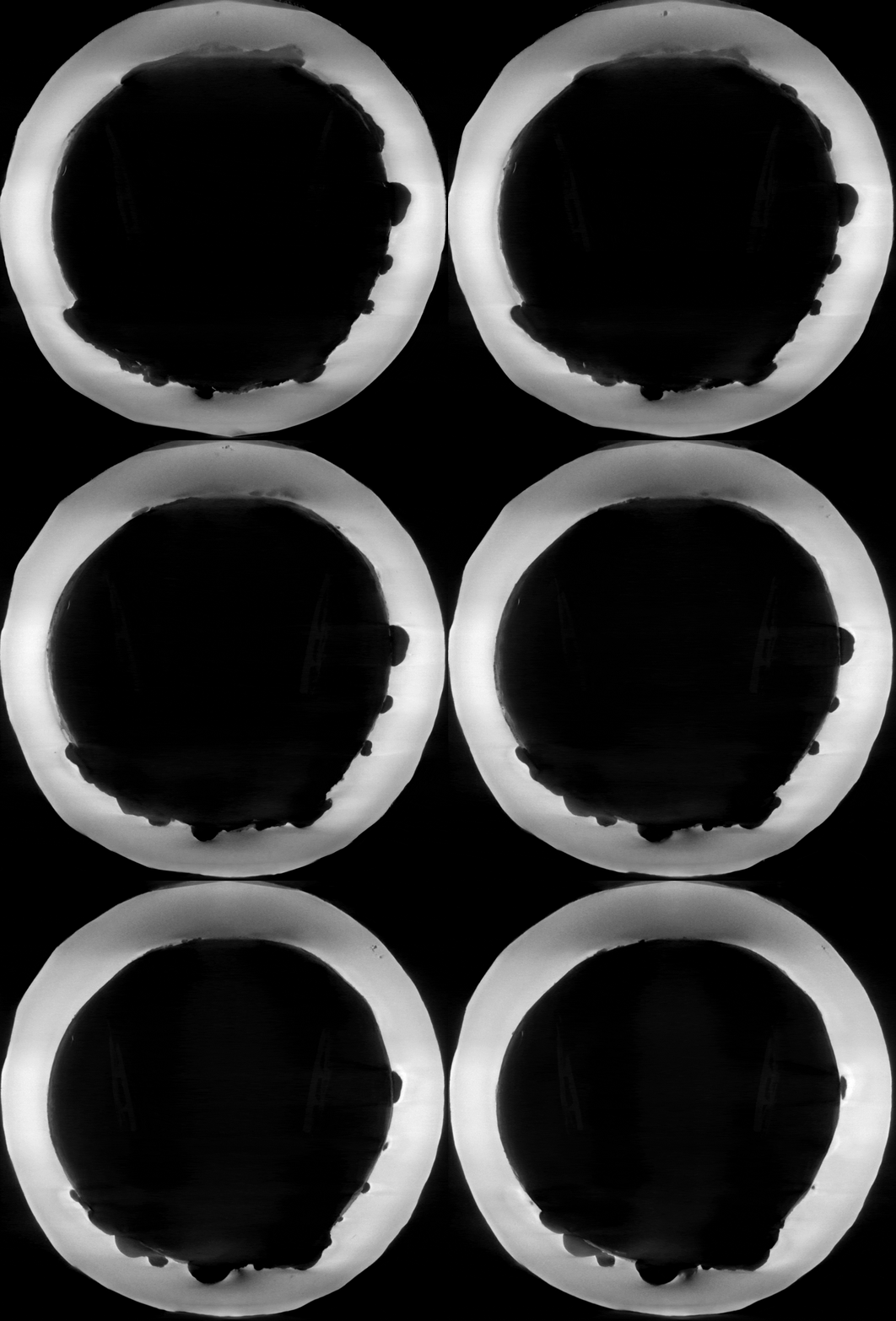
*Refer to [https://youtu.be/tT3dz4VrwfE '''MicroCT Image Tour YouTube Video'''] | |||
*Hover over a thumbnail and click on its overlaid description to see the animated GIF or a larger version of the image. | *Hover over a thumbnail and click on its overlaid description to see the animated GIF or a larger version of the image. | ||
Latest revision as of 20:02, 28 January 2021
User Tutorials
[edit]
 Return to Contents or Return to Main Page
Scanning
[edit]- Quick Reference Guide: Scout-and-Scan™ Control System Quick Reference Guide
- Log Sheets: PDF Log sheets and Excel Log sheets
Interior Tomography
[edit]
Vertical Stitching
[edit]
High Aspect Ratio Tomography (HART)
[edit]
Return to Contents or Return to Main Page
Reconstruction
[edit]
Return to Contents or Return to Main Page
Special Topics
[edit]Calibration
[edit]
Image Artifacts
[edit]
Return to Contents or Return to Main Page
Dual-Energy Imaging
[edit]
Return to Contents or Return to Main Page
Phase Contrast Imaging
[edit]
Return to Contents or Return to Main Page
Image Tours
[edit]Industrial Materials
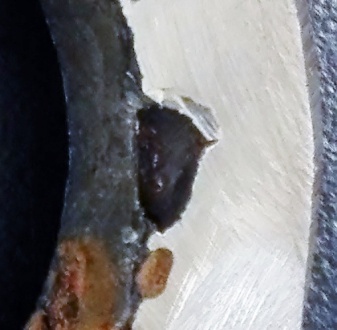
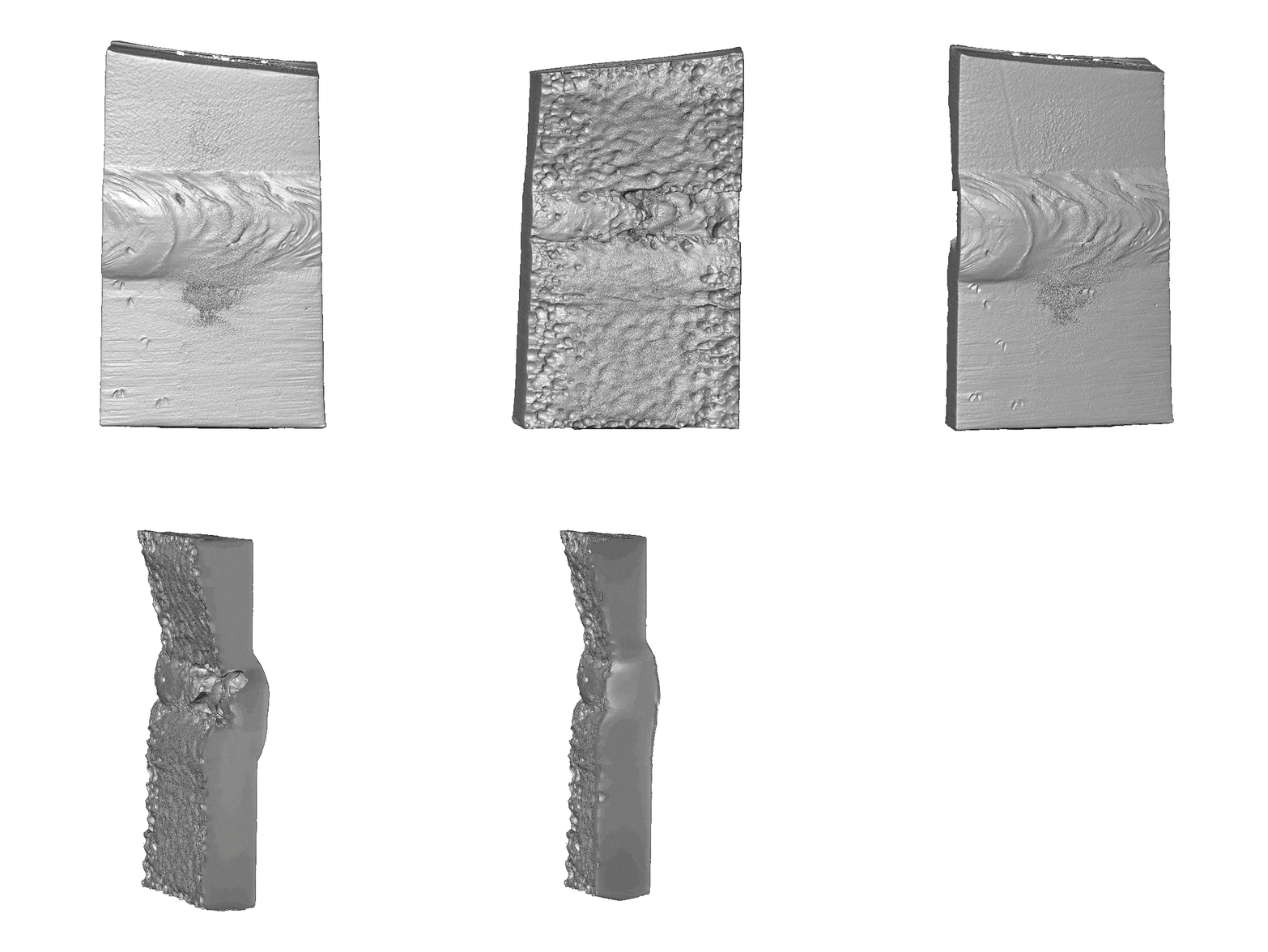
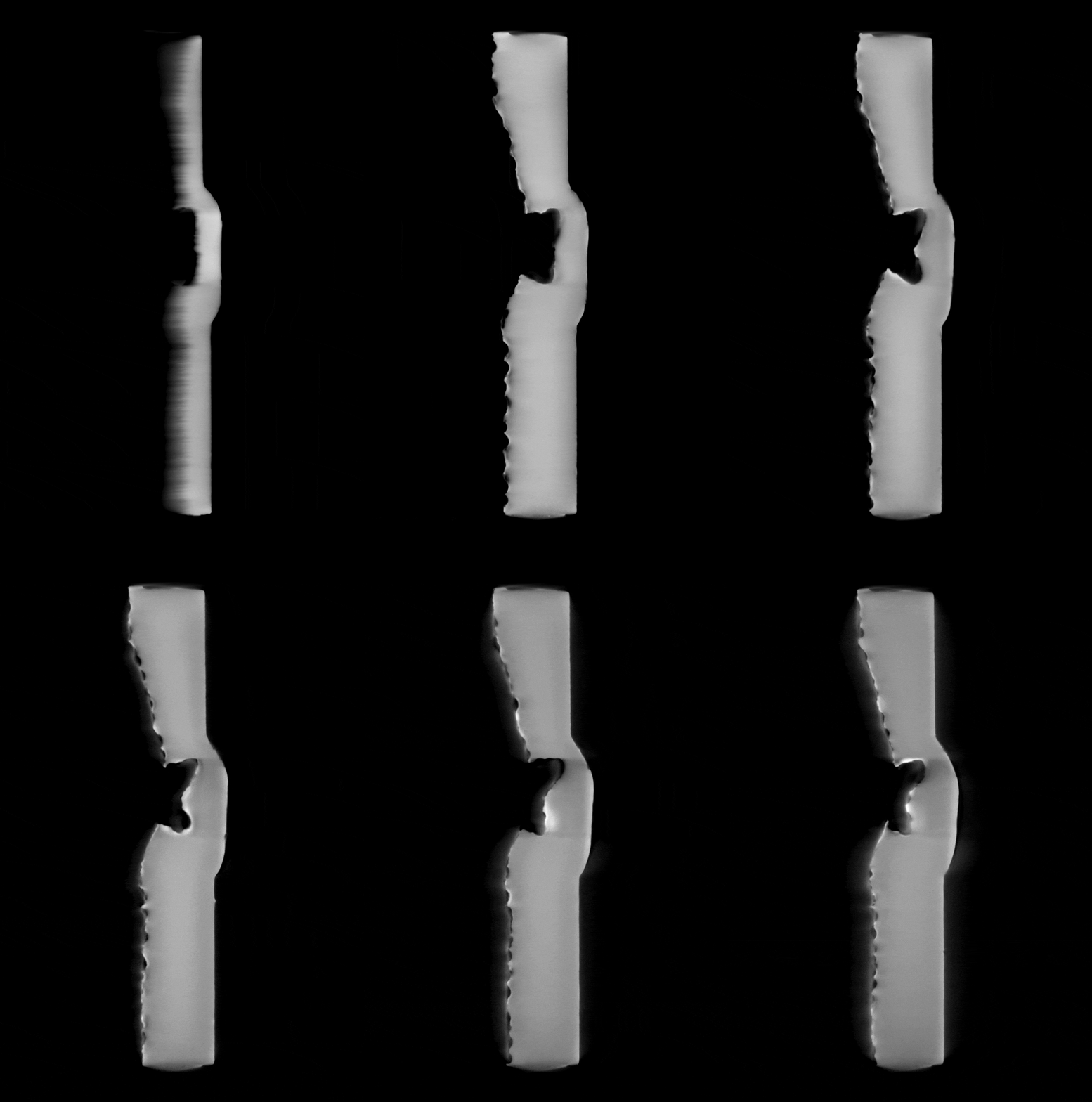
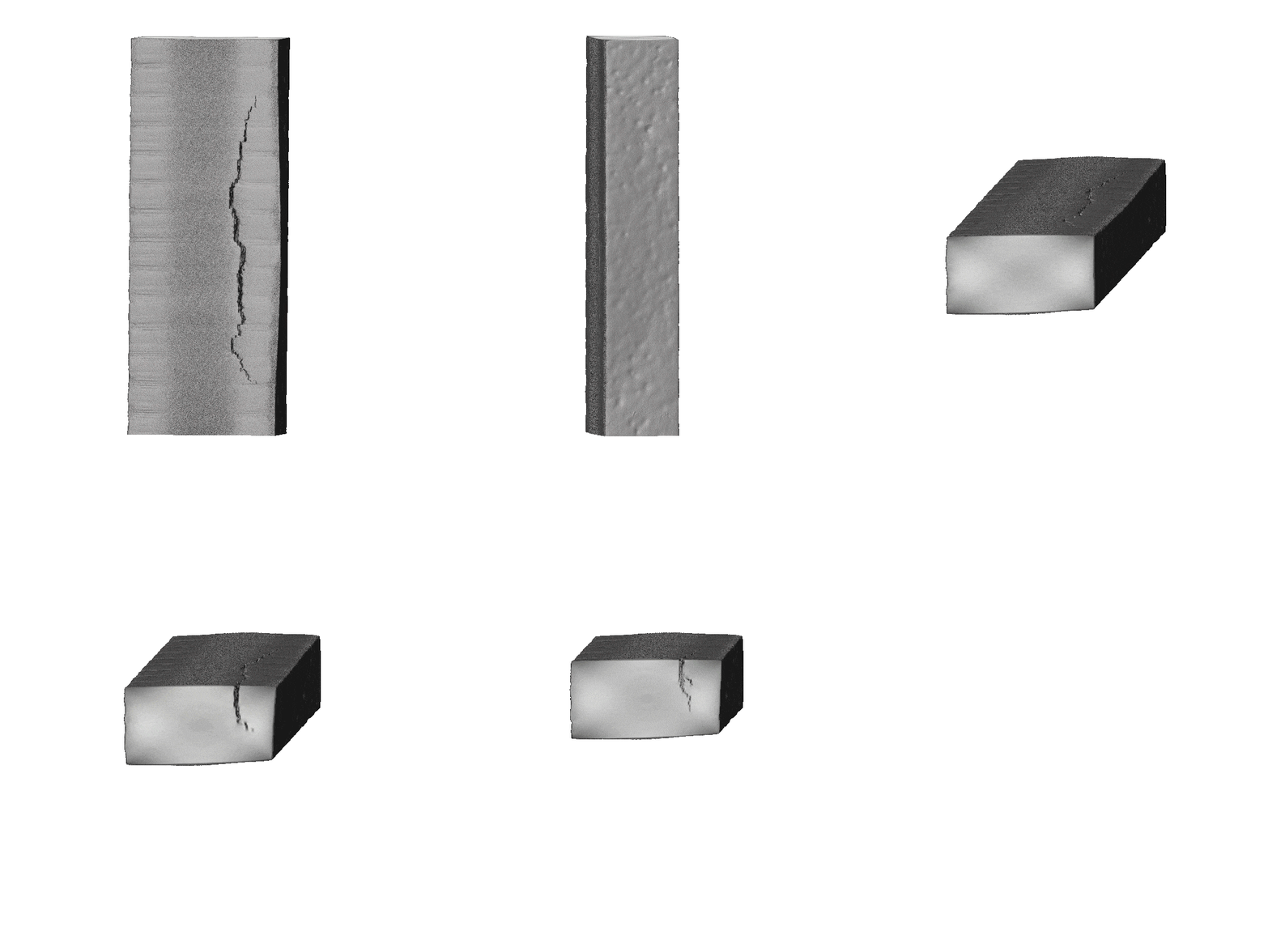
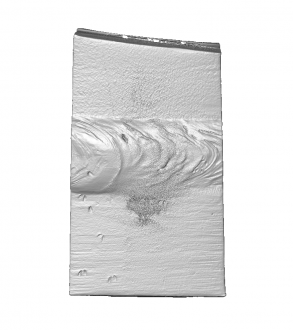
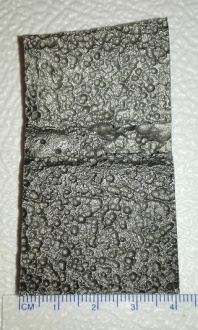
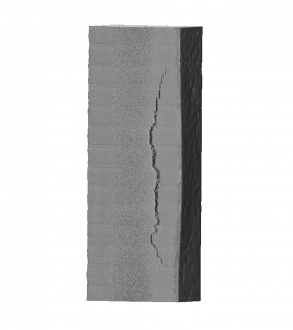
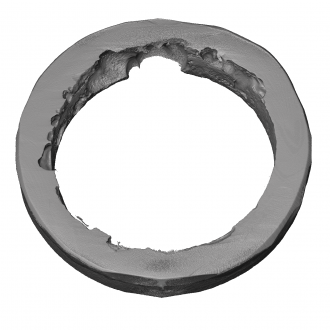
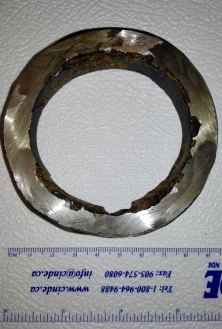
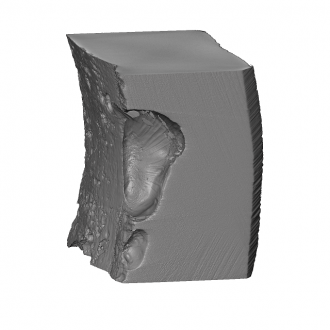
[edit]- Refer to MicroCT Image Tour YouTube Video
- Hover over a thumbnail and click on its overlaid description to see the animated GIF or a larger version of the image.
- MicroCT Scans for Industrial Materials
-
-
-
-
-
-
-
-